
Free Fire Diamonds: Safe Top-Up Methods and Avoiding Scams

5 min read
Key takeaways
- A Free Fire diamond top-up needs your player ID (UID) and server region — never your Facebook, Google or VK login.
- Diamonds credited to your ID appear in both Free Fire and Free Fire MAX, according to Garena.
- Safe channels: the in-game store, Garena’s official top-up pages, or a reseller that confirms price first.
- Generators, “log in to claim” giveaways and too-cheap sellers asking for your login are scams.
In this article
Free Fire is one of the most played mobile shooters in the Arab world, Latin America and South and Southeast Asia, and diamonds are what players spend on passes, characters and skins. That popularity also makes Free Fire players a favourite target for scammers. This guide explains the safe ways to top up diamonds, what information a top-up really needs, and the warning signs that should make you walk away.
What diamonds are for
Diamonds are Garena Free Fire’s paid currency. They buy the Elite or Booyah Pass, characters and their skills, pets, gun skins and bundles, and many limited-time events are diamond-based. Like every in-game currency, diamonds belong to one account. They cannot be withdrawn, sold back or moved to a friend after they are credited.
Garena says Free Fire and Free Fire MAX share the same account and progress, so diamonds credited to your player ID show up in both versions. You do not need to buy separately for each.
The only detail a top-up needs: your player ID
Every Free Fire account has a numeric player ID, also called UID. To find it, open the game, tap your profile banner in the lobby and look under your nickname; there is usually a copy button next to it.
The ID is public. It lets a seller *add* diamonds to your account, but it gives no access to your account. Your actual login is the Facebook, Google, VK, Apple, X or guest account the game is linked to — and a legitimate top-up never needs it. Guest accounts are especially fragile: if you lose the device, you can lose the account, so link your game to a platform account you control before spending real money.
Safe ways to top up
1. In the game. The diamond store inside Free Fire charges through Google Play or the App Store. You can pay with a card, carrier billing where available, or store balance from a Google Play gift card or an Apple gift card for your store’s country.
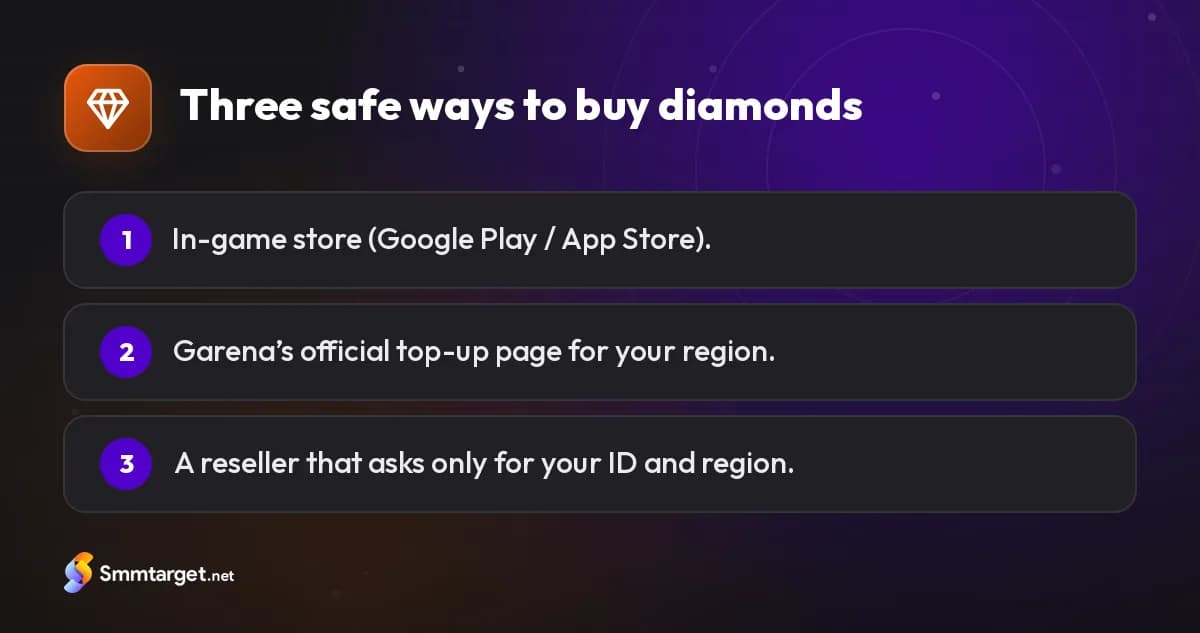
2. Garena’s official top-up website. Garena runs official web top-up pages for many regions, where you sign in or enter your player ID and pay online. The exact address and payment methods differ by region, so reach it from Garena’s official Free Fire website rather than from an ad or a link in a comment.
3. A reseller. A reseller such as SMM Target’s Free Fire top-up buys the diamonds for you and credits them to your ID. Good resellers confirm the price, your region and the expected delivery window before you pay, and they ask for nothing more than the ID and region.
Why your server region matters
Free Fire runs separate servers for different regions, and the diamond offers and top-up channels available can depend on your account’s region. Before ordering through a website or a reseller, check the region your account plays on — it appears on the login screen and in settings — and include it in your order. If a seller cannot serve your region, they should say so before you pay, not after.
The scams you will meet
Diamond generators. Websites, apps and videos promising "unlimited diamonds" in exchange for your ID and a "verification" are fake. Diamonds can only be created by Garena after a purchase. At best you waste time on surveys; at worst you hand over your login or install malware.
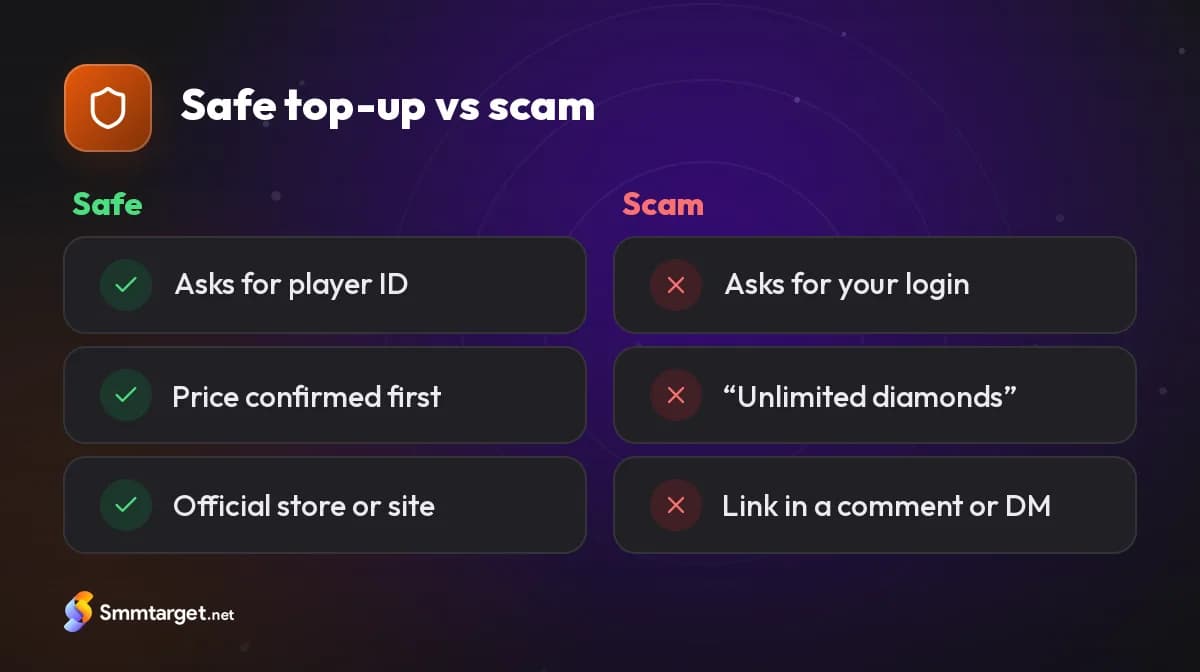
"Log in to claim" giveaways. Social media pages announce giveaways and then ask winners to log in through a link. The link is a copy of a Facebook or Google login page. Real giveaways only need your public ID.
Too-cheap sellers asking for your login. Some sellers offer prices far below the official ones and ask for your Facebook or Google password "to add the diamonds directly". The account is then stolen, or diamonds bought with stolen cards are added and later reversed, which can get the account banned.
Selling or "renting" accounts. Buying an account full of diamonds and skins is risky: the original owner can recover it, and trading accounts breaks Garena’s rules.
Mods and hacks. Modified apps that unlock skins or give an advantage get accounts banned, and you lose everything you bought.
These patterns are the same ones used to sell fake followers and fake engagement; our guide on how to spot fakes lists more warning signs.
A safe top-up checklist
- Copy your player ID from the game and check it twice.
- Note your server region.
- Use the in-game store, Garena’s official top-up page or a reseller who asks only for the ID and region.
- Get the price and delivery window confirmed before paying.
- Never share a password, a verification code or your linked account.
- Keep your receipt until the diamonds appear.
If something goes wrong
If diamonds do not arrive, contact the seller with your ID and receipt before ordering again. If you shared your login with someone, change the password of the linked Facebook, Google or other account immediately, sign out of other sessions and turn on two-step verification. If you paid a scammer, report it to your bank or payment provider quickly; the sooner you report, the better the chance of stopping the payment.
Safe top-ups are boring by design: an ID, a confirmed price and a receipt. Anything more dramatic is a warning sign. You can also compare PUBG UC top-ups or browse the game top-ups hub.
Frequently asked questions
Where is my Free Fire player ID?
Tap your profile banner in the lobby; the UID is under your nickname, usually with a copy button.
Why does the server region matter?
Free Fire runs separate regional servers and top-up offers can depend on the region, so a seller needs it to serve you correctly.
Can someone add diamonds with my login instead?
They can, but you should never allow it: sharing the linked login is how accounts get stolen or banned.
What should I do if I was scammed?
Change the linked account’s password, turn on two-step verification and report the payment to your bank or provider quickly.
How we research and update our guides, and how we label our own services: editorial policy
- #game-topup
- #free-fire-diamonds
- #free fire
- #diamonds
- #scams
Get Started Free
Sign Up