
How to Top Up PUBG Mobile UC Safely by Player ID

5 min read
Key takeaways
- A PUBG Mobile UC top-up needs only your numeric player ID — never a password, a linked-account login or a verification code.
- Copy the ID from inside the game: UC credited to a wrong ID usually cannot be reversed.
- Global PUBG Mobile, BGMI and the Chinese edition are separate games; UC does not move between them.
- Buy in the game, on the official top-up site or from a reseller that confirms price and delivery before you pay.
In this article
Topping up PUBG Mobile UC should take a couple of minutes and should never put your account at risk. The safe method is simple: the seller needs your numeric player ID and nothing else. Everything else in this guide — where to find the ID, which edition you play, how to pay and which offers to ignore — exists to make sure the UC lands in the right account and that nobody gets a chance to take that account from you.
What UC is and why the ID matters
UC (Unknown Cash) is the paid currency of PUBG Mobile. It buys the Royale Pass, crates, outfits, emotes and weapon skins. UC is tied to a single account: once it is credited, it cannot be moved to another account, refunded as cash or split between friends.
That makes the player ID the most important detail of any top-up. The ID is a public number that identifies your account inside the game. Knowing it lets someone *send* UC to you, but it does not let them log in, change your settings or see your linked email. That is why a legitimate top-up never needs more than the ID.
Step 1: find and copy your player ID
- Open PUBG Mobile and wait for the lobby to load.
- Tap your avatar or name in the top corner of the screen.
- Under your nickname you will see a long number labelled ID. Tap it (or the copy icon next to it) to copy it.
- Paste it into your message to the seller rather than typing it by hand.
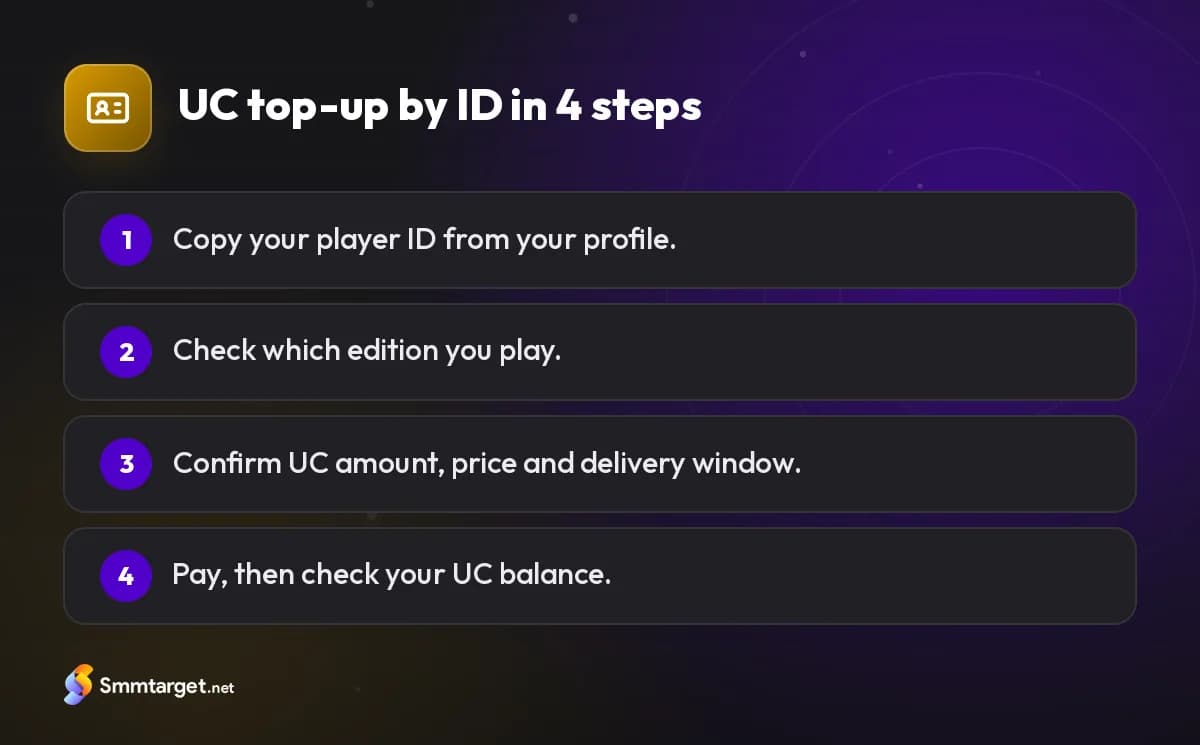
Copying matters more than it seems. IDs are long, and a single wrong digit usually belongs to another player. UC credited to the wrong ID generally cannot be pulled back, so check the pasted number once more before you confirm.
Step 2: make sure you play the right edition
PUBG Mobile is not one single game everywhere. The global PUBG Mobile, Battlegrounds Mobile India (BGMI) and the Chinese edition are separate games with separate accounts and stores. UC bought for the global game does not work in BGMI, and the reverse is also true.
Most players in the Middle East, North Africa and Europe play the global edition. If you downloaded a regional edition, or you are not sure, check the game’s name in your app store and tell the seller. A trustworthy seller will tell you up front when they cannot serve your edition instead of taking your money.
Step 3: choose where to buy
You have three broad options:
- Inside the game. Purchases go through Google Play or the App Store. It is the most direct route, and you pay with whatever method your store account supports — including a Google Play gift card or an Apple gift card for your store’s country.
- The publisher’s official top-up site. PUBG Mobile has an official web top-up store (Midasbuy at the time of writing) where you enter your player ID and pay online. Always type the address yourself; fake copies of top-up sites are common.
- A reseller. Resellers like SMM Target’s PUBG UC top-up handle the purchase for you and credit the UC to your ID. This is useful when your preferred local payment method is not accepted elsewhere. A reseller should confirm the price and delivery window before you pay and should never ask for anything beyond the ID.
Whichever you choose, compare the amount of UC you receive, not just the headline price, and keep the receipt.
Step 4: pay, then verify the delivery
After paying, the UC is credited to your balance; PUBG Mobile usually also sends an in-game mail about the purchase. Open the shop and check the UC counter. If you bought through a reseller and nothing has arrived within the window they gave you, contact them with your ID and receipt rather than placing a second order — duplicate orders are a common source of confusion.
What a seller must never ask for
A legitimate UC top-up does not need:
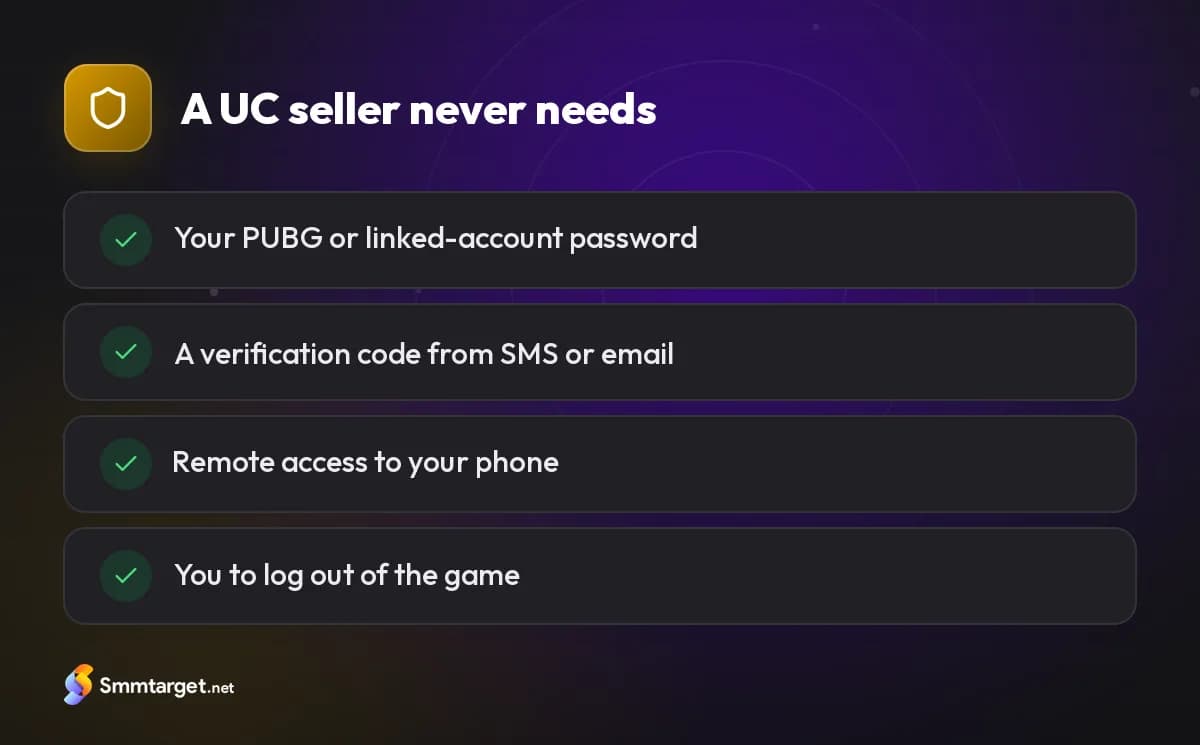
- your PUBG password or the password of the Facebook, Google, Apple, X or other account linked to the game;
- a verification code sent to your phone or email;
- remote access to your phone, or a screenshot of your login screen;
- you to log out so "the system can add UC".
Anyone asking for these is trying to take over the account. Stop the conversation and change your passwords if you already shared something.
Scams to recognise
- UC generators and "free UC" sites. No website can create UC; only the game’s systems can add it after a purchase. These pages collect logins or show endless surveys.
- Fake giveaways. Accounts promising thousands of UC in exchange for following, sharing and "logging in to claim" are phishing.
- Cheap shared accounts. Buying someone else’s account with UC on it is risky: the original owner can recover it, and selling accounts breaks the game’s rules.
- Cheats and modded apps. They can lead to a ban, and a banned account loses all the UC and items on it.
If the offer looks dramatically cheaper than every other option, assume something is wrong. Our article on spotting fake accounts and fake offers covers the same warning signs on social media.
A quick checklist
Before you confirm any top-up, run through this list:
- The ID was copied from inside the game and double-checked.
- You know which edition you play.
- The seller confirmed the UC amount, the price and the delivery window in writing.
- Nobody asked for a password, a code or remote access.
- You saved the receipt and the conversation.
Follow it every time and UC top-ups stay what they should be: a quick purchase, not a security problem. For other games and cards, see the game top-ups and gift cards hub.
Frequently asked questions
What do I need to top up PUBG Mobile UC?
Only your numeric player ID, copied from your profile in the game. A legitimate seller needs nothing else.
Is it safe to give my PUBG ID to a seller?
Yes. The ID is public: it lets someone send UC to you but not log in. Never share your password or verification codes.
Can UC be moved to another account?
No. UC is tied to the account it was credited to, which is why the ID must be correct.
Are free UC generators real?
No. Only the game can add UC after a purchase. Generators and “log in to claim” giveaways steal accounts.
How we research and update our guides, and how we label our own services: editorial policy
- #game-topup
- #pubg-uc
- #pubg mobile
- #uc
- #account safety
Get Started Free
Sign Up