
Digital Gift Cards: How to Choose the Right Region

4 min read
Key takeaways
- Most digital gift cards redeem only on accounts from the country they were issued for.
- Check your account’s region in the store settings — not the country on your bank card.
- Changing an account’s region is restricted on Google Play, Apple, PlayStation and Microsoft.
- Steam and Razer Gold use a wallet currency; match it or confirm conversion before buying.
In this article
The most common problem with digital gift cards is not a scam or a faulty code — it is a card bought for the wrong country. A US Google Play card will not redeem on a Saudi Play account, and a UAE PlayStation card will not work on an Egyptian PSN account. This guide explains why cards are region-locked, how to check your account’s region on each major store, and how to choose the right card the first time.
Why gift cards are tied to a country
Digital stores price, tax and license content country by country. A game may cost a different amount in different markets, some apps are not available everywhere, and stores must collect local taxes. To keep that system consistent, the stores tie balances and gift cards to a country or region. The result is the same almost everywhere: a card works on accounts from the country it was issued for.
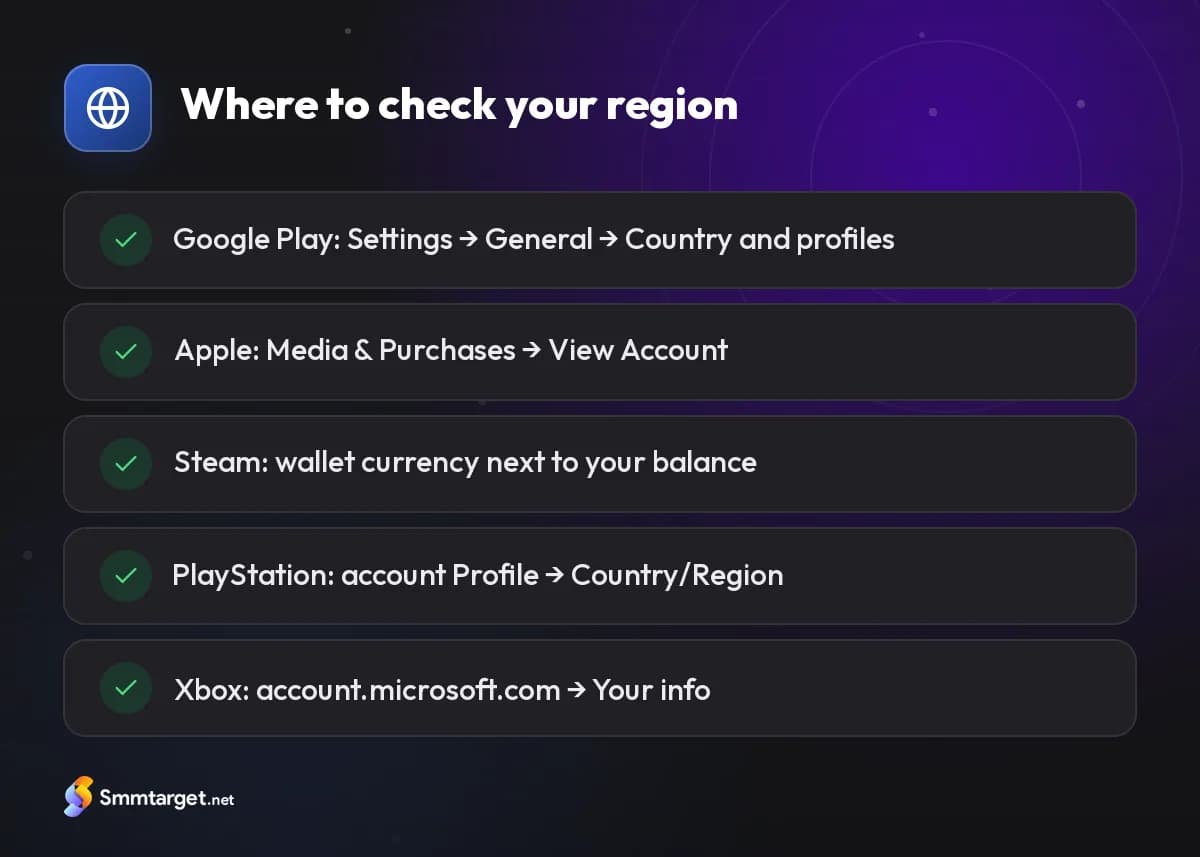
Two consequences follow. First, you need to know your *account’s* country, which is not always the country you live in today. Second, changing an account’s country is usually restricted, so "switching regions to use a card" is rarely a good plan.
Google Play
Google states that gift cards can only be redeemed in the country where they were bought, and they must match the country of your Google Play profile.
- Check it: Play Store app → profile picture → Settings → General → Account and device preferences → Country and profiles.
- Changing it: Google limits how often you can change your Play country (about once a year at the time of writing), and your existing balance may not move with you.
- Redeem: Payments & subscriptions → Redeem code, or play.google.com/redeem.
More details are on the Google Play gift cards page.
Apple (App Store & iTunes, Apple Gift Card)
Apple’s help pages say a gift card can be redeemed only in the country or region where it was purchased, matching your Apple Account’s store.
- Check it: iPhone → Settings → your name → Media & Purchases → View Account → Country/Region.
- Changing it: you must spend or forfeit your remaining balance and cancel some subscriptions first.
- Redeem: App Store → your photo → Redeem Gift Card or Code.
See the Apple and iTunes gift cards page for the full steps.
Steam
Steam works with a wallet currency rather than a strict card-per-country rule. Your Steam Wallet has a currency set by your account’s country, and Valve’s help pages explain that wallet codes in another currency may be converted at Valve’s rate, with exceptions for some cards and regions.
- Check it: the currency is shown next to your wallet balance at the top of the Steam client and in Account details.
- Avoid: using VPNs to appear in another country; Valve’s rules forbid misrepresenting your location.
- Redeem: Account details → Add funds → Redeem a Steam Gift Card or Wallet Code.
Details: Steam gift cards.
PlayStation
PlayStation’s support pages explain that PlayStation Store cards redeem only on accounts registered in the same country or region. The account country is set when the account is created and generally cannot be changed.
- Check it: PlayStation account management on the web → Profile → Country/Region.
- Redeem: PlayStation Store → "…" → Redeem Code (12 characters).
Details: PlayStation Store gift cards.
Xbox and Microsoft
Microsoft’s support pages say gift cards must be redeemed in the country or region where they were bought, matching your Microsoft account region.
- Check it: account.microsoft.com → Your info → Country or region.
- Changing it: possible only under conditions, and your balance does not move with you.
- Redeem: xbox.com/redeem or redeem.microsoft.com (25 characters).
Details: Xbox gift cards.
Gaming wallets: Razer Gold
Razer Gold also has a wallet currency based on your region, and PINs are sold in global and regional versions. Check your wallet currency before buying a PIN; our article What is Razer Gold explains the details.
A checklist before buying any card
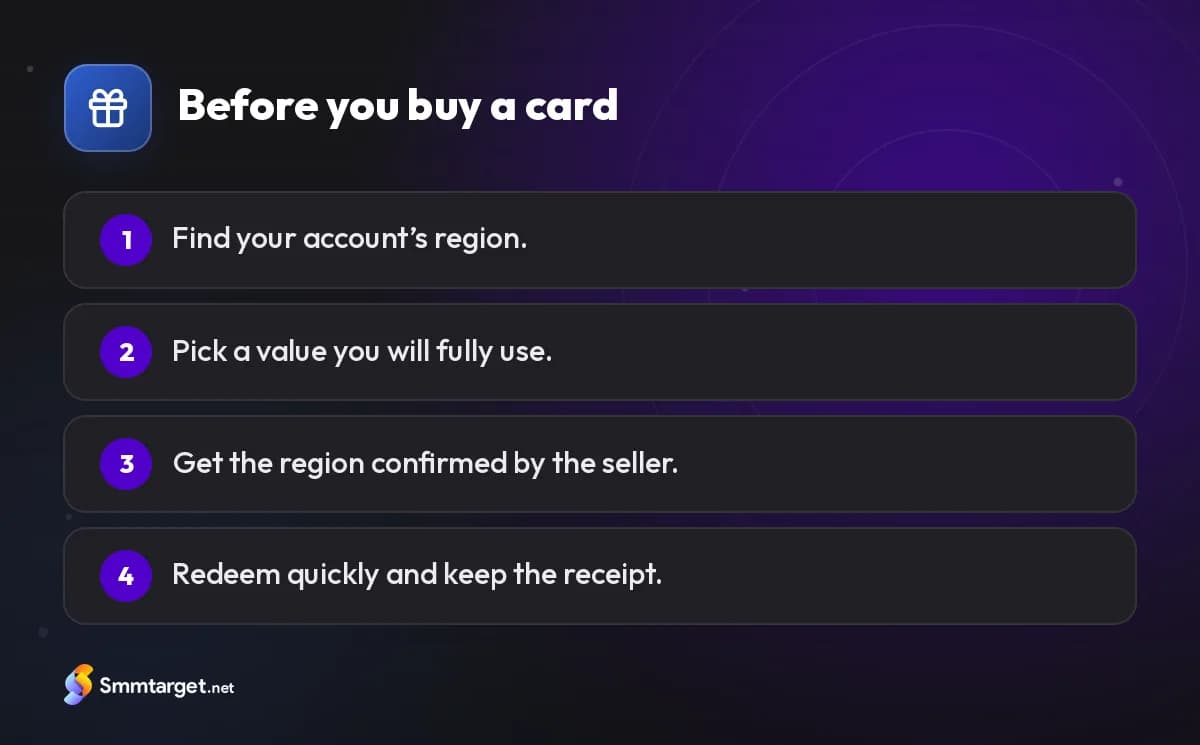
- Find your account’s region using the steps above — not the country printed on your bank card.
- Decide the value. Some stores have minimum or maximum balances; a smaller card is easier to use fully.
- Ask the seller for that exact region and get it confirmed before paying. A good seller tells you when they cannot supply your region.
- Redeem quickly in the official store or console, and keep the receipt until the balance appears.
- Never pay bills, fines or "prize fees" with gift cards. Requests like that are scams, no matter who claims to be asking.
What if you already bought the wrong region?
Do not share the code with strangers who offer to "convert" it; that is a common trick. Contact the seller first — an unredeemed card may sometimes be exchanged, depending on their policy. If not, the safest options are to gift it to someone with an account in that region or to keep it for a future account there. Do not create accounts with false details to use a card, as that breaks most stores’ terms.
If you buy cards as gifts, ask the recipient to check their account region first instead of guessing from where they live: people who moved abroad often keep accounts from their home country. Choosing the right region takes one minute and saves a lot of frustration. To order a card for your region, see the game top-ups and gift cards hub.
Frequently asked questions
Why did my gift card say it is not valid in my country?
The card was issued for a different country than your account. Cards must match the account’s region.
Can I change my account region to use a card?
Usually only with restrictions, and balances may not move with you, so buying a card for your region is safer.
Does Steam accept cards in other currencies?
Valve may convert wallet codes to your wallet currency, but some cards and regions are excluded. Confirm before buying.
What if I bought the wrong region?
Contact the seller before redeeming; otherwise gift it to someone with an account in that region. Do not use “converters”.
How we research and update our guides, and how we label our own services: editorial policy
- #game-topup
- #google-play-gift-card
- #itunes-gift-card
- #steam-gift-card
- #playstation-gift-card
- #xbox-gift-card
- #gift cards
Get Started Free
Sign Up