
What Is Razer Gold and How to Use It in Games

4 min read
Key takeaways
- Razer Gold is prepaid gaming credit: you buy a PIN, load it into a Razer Gold wallet (Razer ID) or enter it at a supported checkout.
- Razer Silver is a separate loyalty reward program, not something you buy.
- Wallets and PINs are tied to regions and currencies — check your wallet currency before buying.
- A PIN works like cash: redeem it quickly on official sites and never share it.
In this article
Razer Gold comes up whenever players talk about topping up games without a bank card. It is a prepaid gaming credit run by Razer, the gaming hardware company, and it works as a payment method in a long list of games and digital stores. This guide explains what Razer Gold is, how its PINs and wallet work, how to use it in a game, and what to check before buying it.
Razer Gold in one paragraph
Razer Gold is virtual credit that you buy in advance and spend later on games. You get it as a PIN — a code printed on a card or sent digitally — and you either load the PIN into a Razer Gold wallet or, in some stores, enter it directly at checkout. The wallet belongs to a free Razer ID account. Because you pay up front, you can top up games without entering a bank card in every game, which many players and parents like for keeping spending under control.
Razer Gold is a Razer product. Sellers who resell PINs, including SMM Target’s Razer Gold page, are independent and not part of Razer.
Razer Gold vs Razer Silver
The names are similar but the products are different:
- Razer Gold is the credit you buy and spend.
- Razer Silver is Razer’s loyalty reward program. According to Razer, you earn Silver on eligible purchases and can exchange it for rewards under the program’s rules.
When someone sells "Razer Silver codes", be careful: Silver is a reward, and its rules are set by Razer on its own website.
How the wallet works
- Create a Razer ID on Razer’s official site (or sign in if you already have one).
- Open Razer Gold and choose the option to reload or redeem a PIN.
- Enter the PIN; the value is added to your wallet balance.
- When you buy in a supported game or top-up page, choose Razer Gold as the payment method and sign in with your Razer ID to confirm.
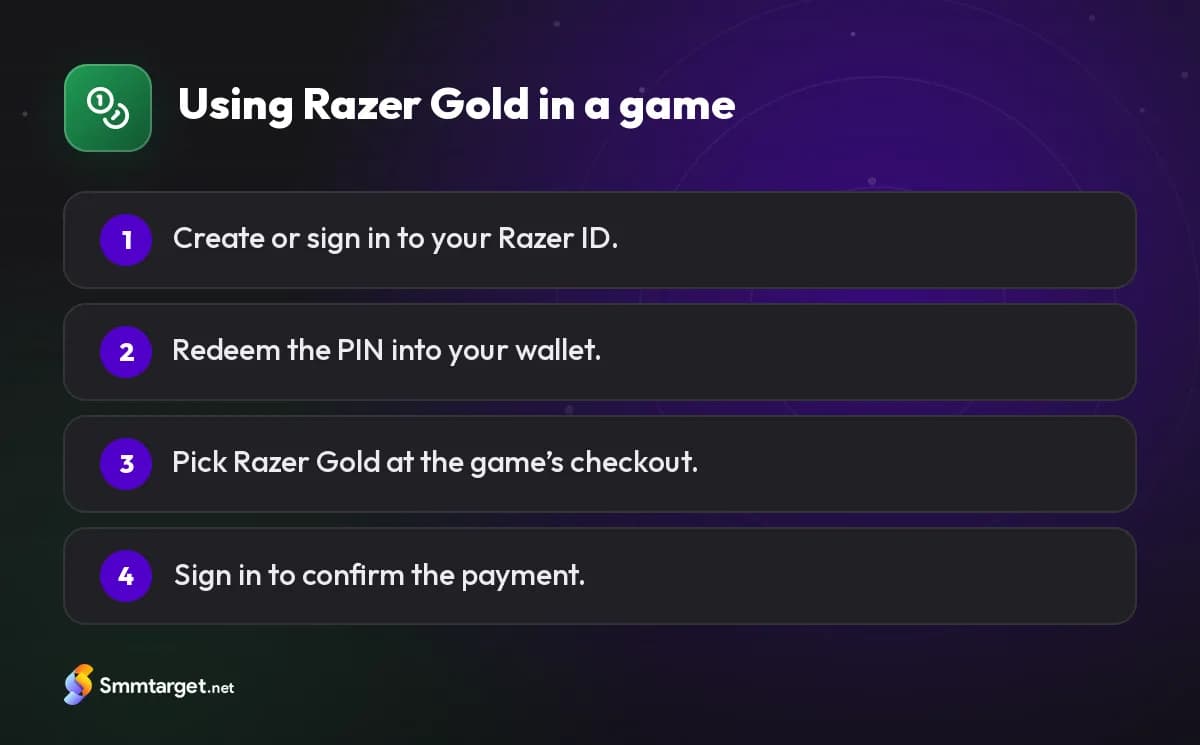
The wallet keeps a currency based on your account’s region. That detail matters more than anything else when you buy PINs, as explained below.
Paying for a game with Razer Gold
There are two typical flows, and the game decides which one you see:
- Wallet checkout. On the game’s official top-up page or in the game’s store you select Razer Gold, sign in and pay from your balance. This is the most common flow.
- Direct PIN. Some merchants let you type a Razer Gold PIN directly at checkout, spending its value without loading the wallet first.
For mobile games that also sell their currency through Google Play or the App Store, Razer Gold is an alternative channel, usually through the game’s own website. For example, players who prefer not to use store billing for PUBG Mobile UC look for official top-up pages that accept Razer Gold. The list of supported games changes over time, so check the current list on Razer’s official Razer Gold site before buying a PIN for a specific game.
Region and currency: check before you buy
Razer sells PINs in different versions — some global, some for specific countries or currencies — and the wallet itself has a currency tied to your region. Depending on the card, a PIN from another region may be refused or converted at Razer’s rate. To avoid surprises:
- Sign in to your Razer Gold wallet and note the currency shown next to your balance.
- Check the country set on your Razer ID.
- Buy a PIN that matches, or ask the seller to confirm compatibility before you pay.
The same "match the region" rule applies to almost every gift card, from Google Play to PlayStation; our gift card region guide compares them side by side.
Keeping Razer Gold safe
A PIN is like cash: whoever enters it first gets the value. That leads to a few simple rules:
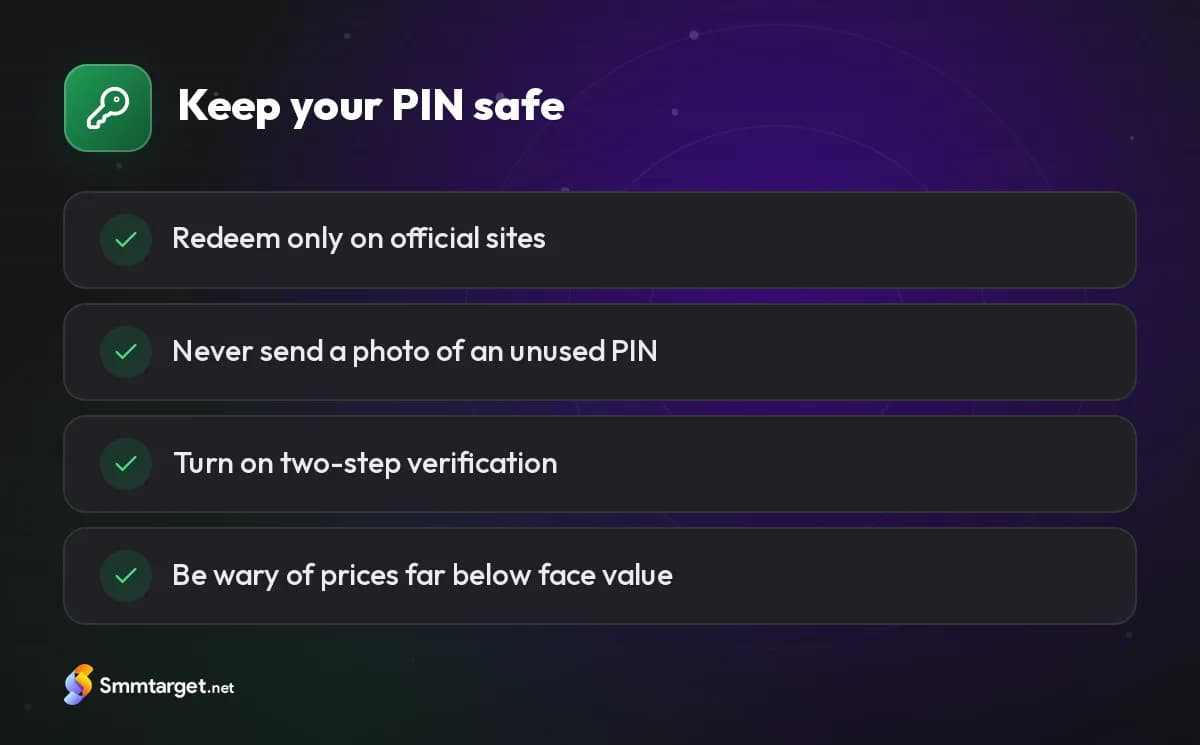
- Redeem quickly, and only on Razer’s official site or a game’s official checkout.
- Never send a photo of an unused PIN to someone who offers to "check" or "activate" it.
- Turn on two-step verification for your Razer ID, since your wallet balance sits there.
- Be suspicious of prices far below face value. Very cheap PINs are sometimes bought with stolen payment details and later blocked.
- No legitimate company asks for payment in gift cards to settle a bill, a fine or a prize fee.
These are the same habits that protect any online account; our article on spotting fake accounts and offers covers more red flags.
Is Razer Gold right for you?
Before you decide, list the games you actually spend money on and check whether each one accepts Razer Gold today, because a balance you cannot use is worth nothing to you.
Razer Gold makes sense if you play games that accept it, want to pay without a bank card, or want a fixed gaming budget loaded in advance. It makes less sense if your game only sells currency through the App Store or Google Play — in that case a Google Play gift card or an Apple gift card for your store is the simpler choice.
If you decide to buy, decide the value and region first, redeem the PIN as soon as it arrives, and keep the receipt until the balance shows in your wallet. For other options, see all game top-ups and gift cards.
Frequently asked questions
What is Razer Gold used for?
Paying for games, in-game currency and digital content at merchants that accept Razer Gold, without entering a bank card each time.
Do I need an account to use Razer Gold?
For the wallet, yes: a free Razer ID. Some merchants also accept a PIN directly at checkout.
Can I use a PIN from another country?
Not always. Depending on the card, it may be refused or converted, so match your wallet’s region and currency.
Is Razer Gold the same as Razer Silver?
No. Gold is credit you buy; Silver is a loyalty reward with its own rules on Razer’s site.
How we research and update our guides, and how we label our own services: editorial policy
- #game-topup
- #razer-gold
- #razer gold
- #gaming wallet
- #prepaid
Get Started Free
Sign Up